

A customer reports a defect in one shipment. Now you need answers fast: which raw material lot went into it, which machine made it, and which other customers received goods from the same batch? In many MSME plants, finding out means digging through registers, job cards and spreadsheets for days. Batch traceability solves this by linking every lot from the moment raw material arrives to the moment finished goods leave the gate. As buyers and auditors ask for tighter quality records, it is fast becoming a basic requirement. In this post, we explain how it works in an ERP, where it pays off, and how to set it up step by step.
Key Takeaways
- Batch traceability links every raw material lot, production run and dispatch in one record.
- It turns a days-long recall hunt into a quick search and limits recalls to the affected lots.
- Customers in regulated and export markets increasingly expect lot-level records.
- An ERP with barcode or QR labelling makes traceability part of daily work, not extra paperwork.
Why Lot Tracking Is Hard on Paper and Spreadsheets
Most small plants do record batch numbers somewhere. The problem is that the records are scattered and rarely connected.
Goods receipts sit in the stores register, production details on job cards, quality results in a lab file and dispatch details in invoices. Each record is correct on its own, but linking them to answer one question takes hours of manual searching.
This gap becomes costly when something goes wrong. Without clear links, a quality issue in one lot can force a manufacturer to recall or rework far more stock than necessary, simply because it cannot prove which goods are safe.
Expectations are also rising. Buyers in automotive, pharmaceuticals, food processing and export markets often ask suppliers to show where each lot came from and where it went, and customer audits check the same thing. For an MSME supplier, answering quickly builds trust and helps win repeat orders.
What Batch Traceability Is and How It Works in ERP
Batch traceability is the ability to follow a product lot through every stage of its life, both backwards and forwards. An ERP makes this possible by recording the batch at each transaction and linking the records automatically.
Raw material receipt
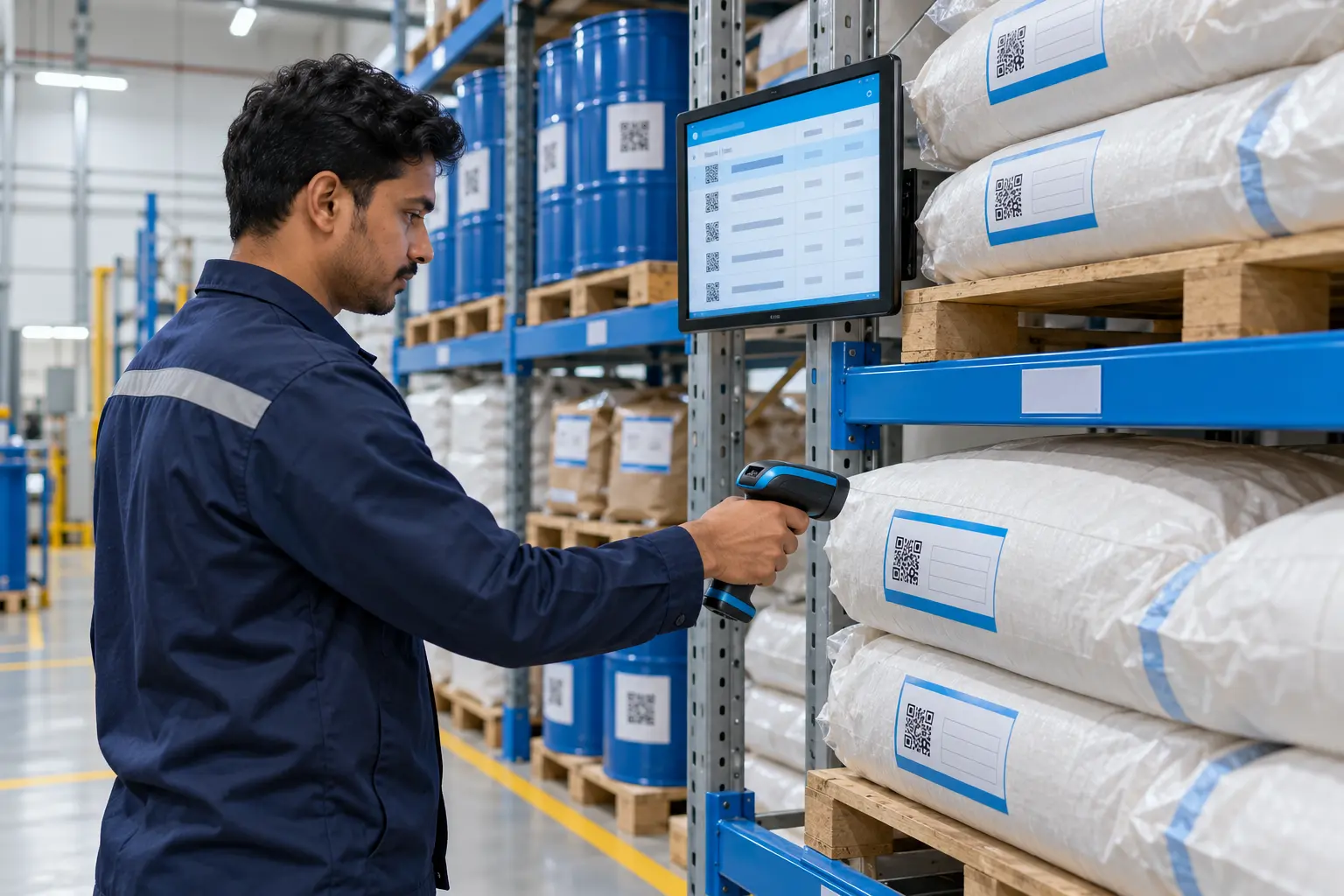
When material arrives, the stores team records the supplier’s lot number, assigns an internal batch code and prints a barcode or QR label. Incoming inspection results are attached to the same batch.
Production and work in progress
When material is issued to a work order, operators scan the batch label. The ERP links the consumed raw material lots to the new production batch, along with the date, shift, machine and operator.
Quality checks and finished goods
In-process and final inspection results are stored against the production batch. Only approved batches move to finished-goods stock, and each one carries its own label.
Dispatch
When goods are packed and invoiced, batch numbers are captured on the delivery challan and invoice. The ERP now knows exactly which customer received which lot.
With these links in place, the system supports two kinds of search. Backward traceability starts from a finished lot and shows every raw material and process behind it. Forward traceability starts from a raw material lot and shows every product and customer it reached.
Key Benefits of Lot Tracking for Manufacturers
Traceability is often seen as a compliance task, but its value shows up across quality, customer service and cost.
Faster, smaller recalls
When a problem is found, you can identify the affected lots in minutes and recall only those, instead of pulling back entire production runs. That protects both margins and customer confidence.
Quicker root-cause analysis
Linking defects to specific material lots, machines or shifts helps quality teams find the real cause instead of guessing. Recurring issues with a particular supplier or machine become visible over time.
Smoother audits and customer queries
Customer audits and certification reviews move faster when lot records can be pulled up on screen. Answering a buyer’s query on the same day strengthens the relationship.
Better stock rotation
With batch and expiry dates recorded, the ERP can suggest first-in-first-out or first-expiry-first-out issue, reducing wastage of materials with a limited shelf life.
Implementation Roadmap for Traceability in ERP
Traceability works only if data is captured at every step, so a phased rollout that starts small is the safest route.
- Define the batch rules. Decide how batch codes are created, what details each batch must carry, and which items need lot tracking.
- Map the material flow. Follow how one lot moves from receipt to dispatch today and note every hand-off.
- Set up labelling. Introduce barcode or QR labels and scanners at receipt, issue, production and dispatch points.
- Run a proof of concept. Track one product line end to end and test a mock recall to check the links.
- Pilot on the shop floor. Extend to one department, train operators and refine the screens based on their feedback.
- Scale across the plant. Roll out to all traceable items and connect the quality and dispatch modules.
- Test regularly. Run periodic mock recalls to confirm the data stays complete.
Checklist: Manual Records vs ERP-Based Batch Traceability
The table below shows how day-to-day lot tracking changes once the data moves into an ERP.
| Area | Manual records | ERP-based traceability |
|---|---|---|
| Recording batches | Handwritten in registers | Scanned from barcode or QR labels |
| Linking stages | Manual cross-checking of files | Automatic links from receipt to dispatch |
| Recall scope | Often whole production runs | Only the affected lots |
| Time to trace a lot | Hours or days | Minutes |
| Audit readiness | Files gathered before each audit | Records available on screen |
| Stock rotation | Depends on memory | FIFO or FEFO suggested by the system |
How Tassos Can Help
Tassos Consultancy Services Private Limited offers a configurable manufacturing ERP with built-in batch and lot tracking across stores, production, quality and dispatch. We set up batch rules, barcode or QR labelling and forward and backward trace reports to match your products and customer requirements.
As a solution integrator, we supply and integrate the scanners, label printers and shop-floor devices along with the software, and can connect machines through IoT so process data is recorded against each batch automatically.
We follow our POC to Pilot to Full-Scale Deployment approach, starting with one product line and a mock recall before rolling out plant-wide. Our Ahmedabad-based team handles configuration, training and post-go-live support.
Conclusion
Batch traceability turns scattered registers into one connected record of every lot you make. It protects your customers, limits the cost of quality issues and makes audits far less stressful.
For MSME manufacturers supplying demanding buyers, it is also a clear mark of a reliable supplier. To discuss traceability for your plant, talk to our team at info@tassosconsultancy.com.
10. FAQs (add as FAQ block for rich results)
Q: What is batch traceability in manufacturing?
Batch traceability is the ability to follow a product lot through every stage of production. Backward tracing shows which raw materials, machines and shifts went into a finished lot. Forward tracing shows which products and customers a raw material lot reached. Together, they give a complete, connected record of every batch.
Q: Is batch traceability only needed in regulated industries?
No. Any manufacturer that faces customer complaints, audits or quality claims benefits from lot tracking. It is especially valuable for suppliers to automotive, pharmaceutical, food and export buyers, who often ask for lot-level records. For an MSME, being able to answer these requests quickly helps build trust and win repeat business.
Q: Do we need barcode scanners for batch traceability?
Not always, but they make traceability far more reliable. Scanning a label at each stage removes manual typing errors and takes seconds. Many plants start with printed labels and handheld scanners at key points such as goods receipt, material issue and dispatch, then extend scanning to the shop floor during the pilot.
Q: How can we check that our traceability is working?
The simplest test is a mock recall. Pick a finished lot and try to trace it back to its raw materials and forward to its customers using the ERP alone. If the chain is complete and quick to retrieve, the data is being captured correctly. Repeat the test periodically.

0 Comments