

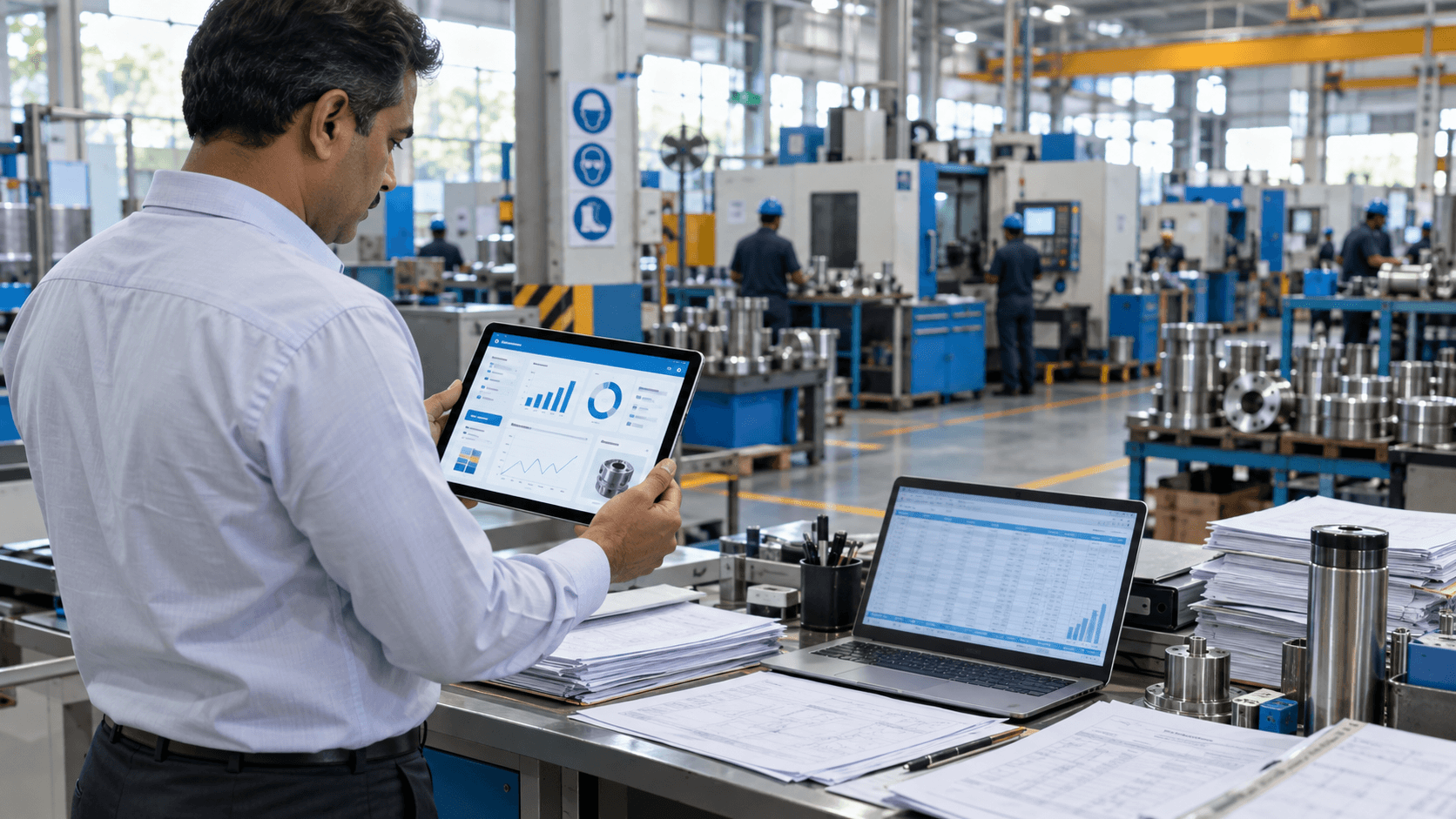
It is Monday morning. A customer calls about a delayed order, the stores team says raw material ran out on Saturday, and the production sheet on the supervisor’s laptop shows something different from the one in accounts. For many MSME manufacturers, Excel was the right tool to start with, but it quietly becomes the bottleneck as orders, products and people grow. A manufacturing ERP replaces scattered spreadsheets with one shared system. In this post, we cover the seven clearest signs your unit has outgrown Excel, what an ERP actually does, and how to make the move without disrupting production.
Key Takeaways
- Excel works for a small unit but breaks down when several departments depend on the same data.
- Stock errors, late reports and unknown product costs are warning signs, not everyday irritations.
- A manufacturing ERP connects purchase, stores, production, sales and accounts in one system.
- A phased rollout, starting with one pilot module, keeps the risk low.
Why Excel Stops Working as Your Plant Grows
Excel is flexible, familiar and cheap to start with, which is exactly why most small manufacturers run on it. The trouble begins when the business grows faster than the spreadsheets.
In a typical MSME, each department builds its own file. Stores tracks stock, production plans jobs, sales logs orders, and accounts reconciles everything at month end. None of these files talk to each other, so someone spends hours copying figures from one sheet to another.
As volumes rise, the gaps widen. Formulas break when a row is inserted, files are emailed back and forth in several versions, and only one person truly understands how the master sheet works. When that person is on leave, decisions wait. In a market where buyers expect accurate delivery dates and GST-compliant billing, that delay costs orders.
What a Manufacturing ERP Is and How It Works
An Enterprise Resource Planning (ERP) system is a single software platform where every department records its work in one shared database. A transaction is entered once and updates everywhere it is needed.
Core modules
Most manufacturing ERPs are built around a few connected modules:
- Inventory and stores: raw material, work-in-progress and finished goods with live stock levels.
- Purchase: indents, purchase orders, vendor tracking and goods receipts.
- Production planning: bills of materials, work orders and job tracking on the shop floor.
- Sales and dispatch: quotations, orders, invoices and delivery schedules.
- Finance and HR: accounts, payroll and attendance linked to operational data.
How the data flows
When a sales order is confirmed, the ERP checks finished-goods stock, raises a work order if needed, calculates the raw material required from the bill of materials, and flags shortages to the purchase team. Each step is visible to the people who need it, with no re-typing.
Dashboards and MIS reports
Because all data sits in one place, MIS reports are generated from live figures rather than assembled by hand. Owners can see stock value, pending orders and production output on a dashboard instead of waiting for month end.
7 Signs Your Unit Has Outgrown Excel
If several of the following sound familiar, spreadsheets are now costing you more than they save. Each sign also shows what changes once your data moves into one system.
1. Nobody trusts the stock numbers
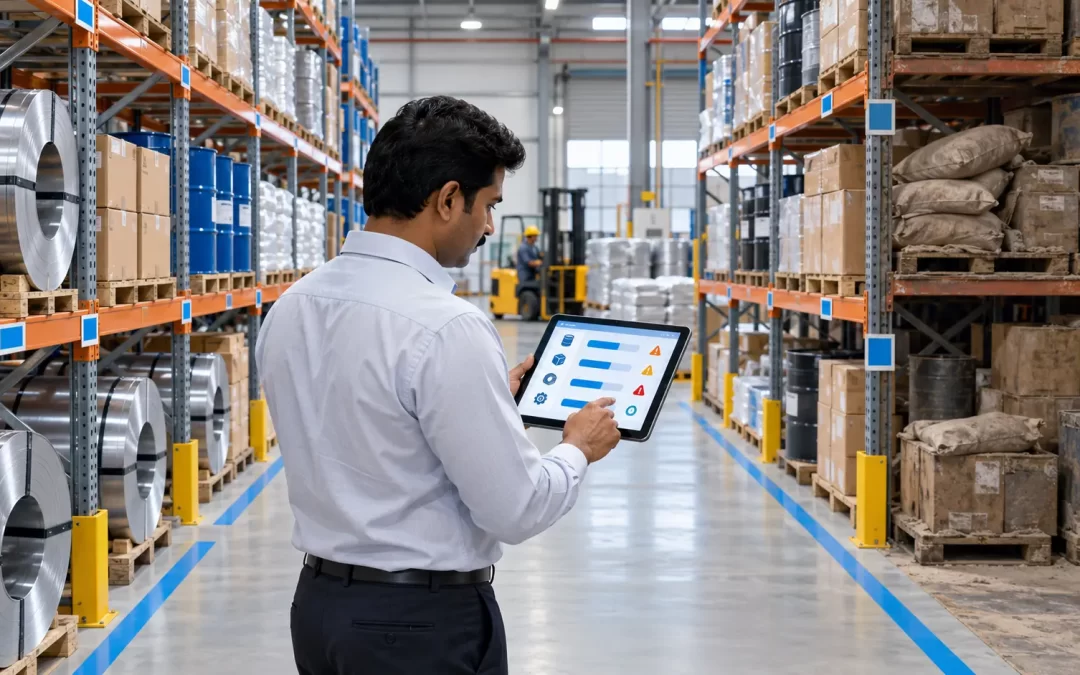
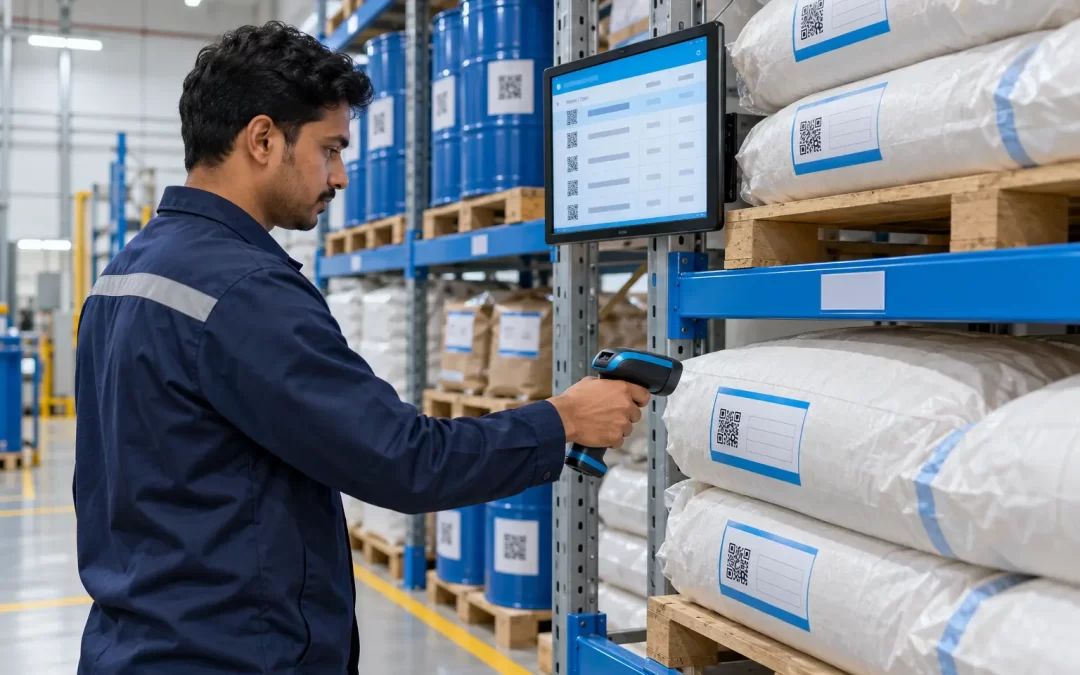
Physical stock rarely matches the sheet, so production stops for missing material while other items pile up as dead stock. An ERP updates stock with every receipt, issue and dispatch, and raises reorder alerts before you run out.
2. There are many versions of the same file
A file named “Final_v3_updated” is a warning sign. When teams work on copies, nobody knows which figure is correct. An ERP gives everyone the same live data, with user rights controlling who can view or edit what.
3. MIS reports take days to prepare
If month-end reports need a week of consolidation, decisions are always based on old information. With an ERP, sales, production and stock reports are available whenever you need them.
4. You don’t know the true cost of each product
Material, labour, power and overheads sit in different sheets, so pricing often becomes guesswork. An ERP captures actual consumption against each work order, giving a much clearer view of product-wise costing and margins.
5. Delivery dates are promised on hope
Sales commits a date without seeing machine load or material availability. An ERP links orders to production plans and stock, so your team can quote realistic dates and track progress against them.
6. The business depends on one person’s spreadsheet
If only one employee understands the formulas, the business carries a hidden risk. An ERP builds the process into the system, with standard screens and an audit trail, so work continues when people change roles.
7. Audits and compliance cause panic
Pulling together GST records, purchase history or batch details for an auditor or a customer should not take days. An ERP keeps every transaction linked and time-stamped, so records can be retrieved in minutes.
Excel to ERP Migration: A Practical Roadmap
Moving to ERP does not have to mean a risky overnight switch. A phased approach protects daily production while your team learns the new system.
- Map your current processes. Note how orders, stock and production move today, and where errors and delays happen.
- Set clear priorities. Pick the one or two problems that hurt most, such as stock accuracy or costing, and define measurable goals.
- Clean your master data. Standardise item codes, units, and vendor and customer lists before migrating. Clean data is the foundation of a smooth rollout.
- Start with a proof of concept. Configure the priority module and test it with real transactions from your plant.
- Run a pilot. Use the ERP live in one department or product line, keeping Excel as a short-term backup.
- Scale in phases. Add modules one at a time, train each team, and retire spreadsheets as each area goes live.
- Review with dashboards. Track the goals set in step 2 and refine the system as the business grows.
Checklist: Excel vs Manufacturing ERP
The table below summarises how day-to-day work changes when a unit moves from spreadsheets to ERP.
| Area | Running on Excel | Running on ERP |
|---|---|---|
| Stock levels | Updated manually, often out of date | Updated with every transaction |
| Data versions | Multiple copies across teams | One shared database |
| MIS reports | Compiled by hand at month end | Available on demand |
| Product costing | Estimated | Based on actual consumption |
| Delivery dates | Promised without visibility | Linked to production and stock |
| Access control | Anyone can edit or delete | Role-based rights with audit trail |
| Dependence | On one or two people | On a documented process |
How Tassos Can Help
Tassos Consultancy Services Private Limited offers a configurable manufacturing ERP built for MSME manufacturers, covering inventory, purchase, production, sales, finance and HR. We configure it around the way your plant already works, rather than forcing your team into a rigid template.
As a solution integrator, we can also connect shop-floor machines through IoT, so production counts and machine status flow straight into the ERP. MIS dashboards give owners and managers a live view of stock, orders and output.
Every engagement follows our POC to Pilot to Full-Scale Deployment approach, so you see results in one area before committing to a full rollout. Our Ahmedabad-based team supports data migration, user training and post-go-live support.
Conclusion
Excel is a good starting point, but it was never designed to run a growing manufacturing business. If your team spends more time fixing spreadsheets than acting on them, the signs above are telling you it is time to move.
A well-planned ERP rollout gives you accurate stock, reliable costing and faster decisions, without disrupting production. To discuss where your unit stands, talk to our team at info@tassosconsultancy.com.
10. FAQs (add as FAQ block for rich results)
Q: When is Excel no longer enough for a manufacturing unit?
Excel is enough for a very small unit with one or two people handling data. Once several departments depend on the same figures, or you manage many items, orders and machines, spreadsheets start causing stock errors, version confusion and slow reporting. That is usually the point where an ERP pays for itself.
Q: How long does it take to move from Excel to ERP?
Timelines depend on the number of modules, the state of your master data and how many users need training. A phased approach, starting with a proof of concept and a pilot in one department, lets you see working results early and expand module by module instead of waiting for one big launch.
Q: Can our existing Excel data be moved into the ERP?
Yes. Existing item masters, vendor and customer lists, and opening stock can be imported into the ERP. The key step is cleaning the data first, by standardising item codes and units and removing duplicates, so the new system starts with accurate records rather than carrying old errors forward.
Q: Do MSMEs need to implement every ERP module at once?
Not necessarily. A configurable ERP lets MSMEs start with the modules that solve their biggest problems, such as inventory or production, and add others later. This keeps the initial investment manageable and ensures the team adopts the system gradually, which matters as much as the software itself.

0 Comments